Heat pump component

Back to Trane products

Trane Heat pump component TEM8A0C42V41

Trane Trane AHRI Indoor - TEM8 Variable Speed Air Handler Heat pump component Repair, maintenance, and replacement planning
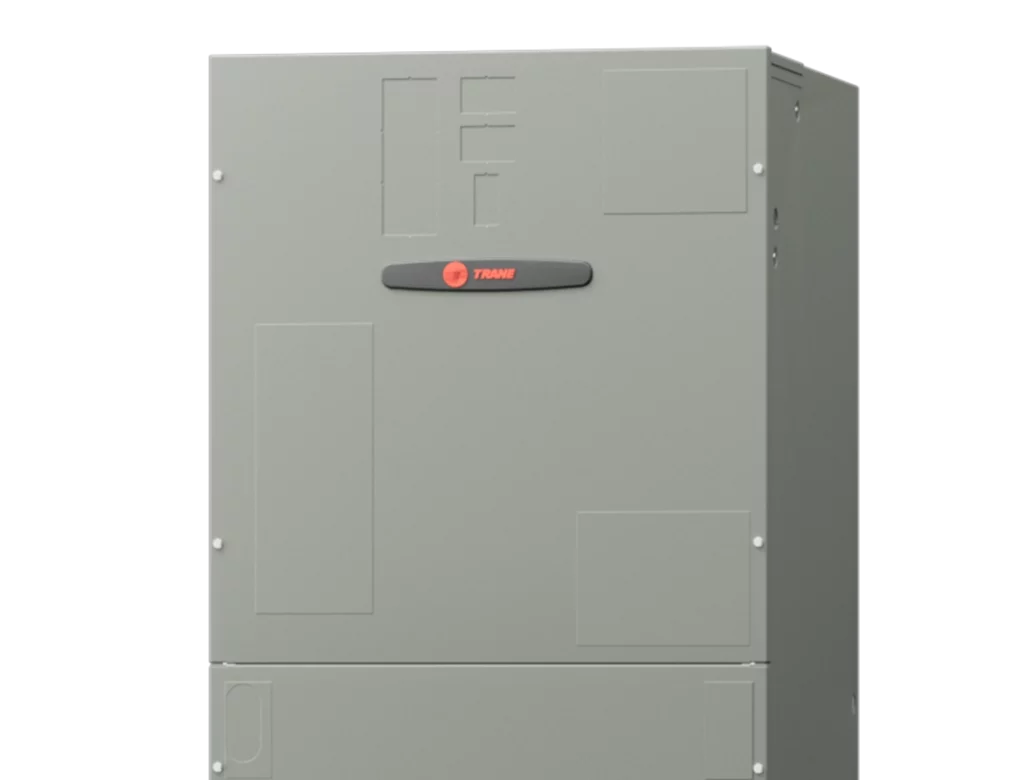
Trane TEM8A0C42V41 product image

Technical Specifications

Product Specs

  • AHRI unit role: Indoor
  • AHRI model/pattern: TEM8A0C42V41
  • AHRI records represented: 3
  • AHRI equipment type: HP - Split System
  • AHRI refrigerant: R-410A
  • Verified catalog model: TEM8A0C42V41
  • Verified product family: TEM8 Variable Speed Air Handler
  • Verified catalog brand: Trane
  • Verified model family: TEM8
  • AHRI model/pattern: TEM8A0C42V41
  • Base catalog model/pattern: TEM8A0C42V41
  • Application: matched split-system air handler for heat pump or air conditioner combinations
  • Nominal capacity: 3.5 ton
  • Refrigerant: R-410A
  • Official product page: https://www.trane.com/residential/en/products/air-handlers/
  • Official technical documentation: https://www.wbmemphis.com/customer/docs/skudocs/1278-22-1936-1e-en-04152020.pdf
  • Blower: variable-speed ECM
  • Nominal airflow family: up to 1,600 CFM
  • Configuration: multi-position air handler

Useful troubleshooting details

  • Confirm the installed model and serial number, matched indoor or outdoor equipment, voltage, refrigerant, controls, and AHRI certificate before service or replacement planning.
  • Use the linked AHRI certificates to verify matched-system combinations, rebate conversations, and equipment eligibility before quoting replacement work.
  • Collect photos of the nameplate, equipment access, recent fault history, and comfort symptoms before dispatch or proposal planning.

Service planning

How GreenFlow handles TEM8A0C42V41 requests

1

Identify the equipment

Confirm the model or series name, serial number if available, photos, and whether the unit is roof, exterior, basement, or mechanical-room equipment.

2

Describe the service issue

Share no heat, no cooling, weak airflow, error codes, alarms, leaks, noise, control problems, or comfort complaints.

3

Review access and history

Include access notes, tenant or business-hour constraints, filter status, recent repairs, and maintenance records when available.

4

Plan the next step

GreenFlow can route the request for diagnostics, repair planning, maintenance, replacement scope, or related system upgrades.


Additional Services

Brands We Service

Popular cities

Service Areas

Our Happy Customers