What the code means
Defrost 4 Flash/Sec: Combined defrost faults
The Trane Impack packaged-unit LED diagnostic table identifies 4 flashes per second as Fault A with C or Fault A with B.

Troubleshooting code
Back to all 5WCZ5048A4 error codes
Combined defrost faults. Use this page to document the issue and prepare for service. GreenFlow should handle diagnosis for electrical, refrigerant, lockout, or recurring conditions.

What the code means
The Trane Impack packaged-unit LED diagnostic table identifies 4 flashes per second as Fault A with C or Fault A with B.
Call GreenFlow if the code repeats, the system is locked out, heating or cooling is not restored, there is ice buildup, electrical odor, unusual noise, or any issue involving pressure switches, sensors, wiring, refrigerant, reversing-valve operation, or warranty coverage.
Share the visible code, model and serial number if available, photos, current symptoms, and whether the issue affects heating, cooling, or both.
Showing services from our catalog
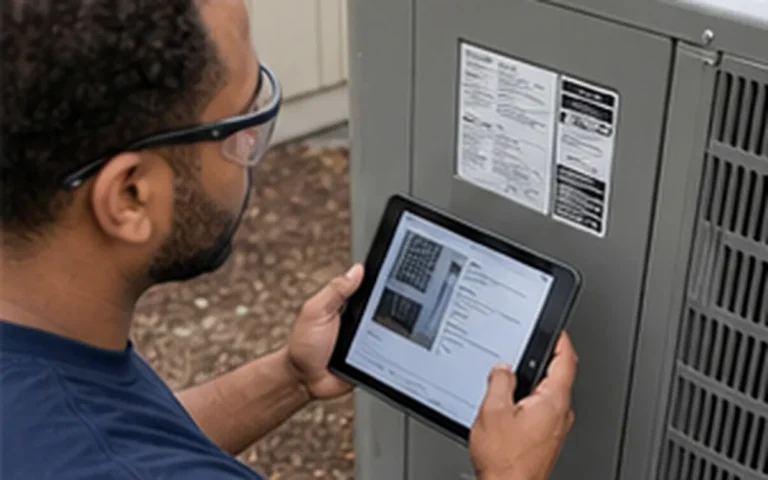
Match supported indoor and outdoor equipment combinations to AHRI certification records for planning and documentation.
View service details
Find the cause of warm air from a central AC system and restore proper cooling where possible.
View service details
Diagnose an air conditioner that runs but does not provide expected cooling.
View service details
Diagnose frequent AC starts and stops involving airflow, controls, electrical parts, sizing, or refrigerant conditions.
View service details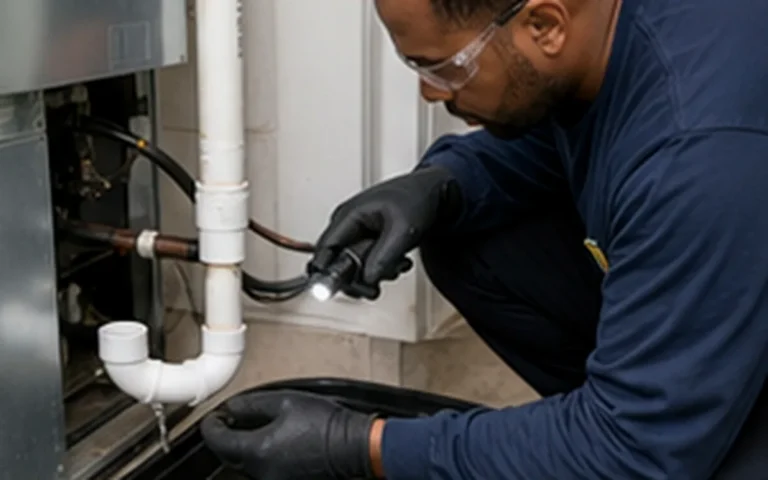
Diagnose condensate drainage, pan, coil, and pump conditions that cause water around an AC system.
View service details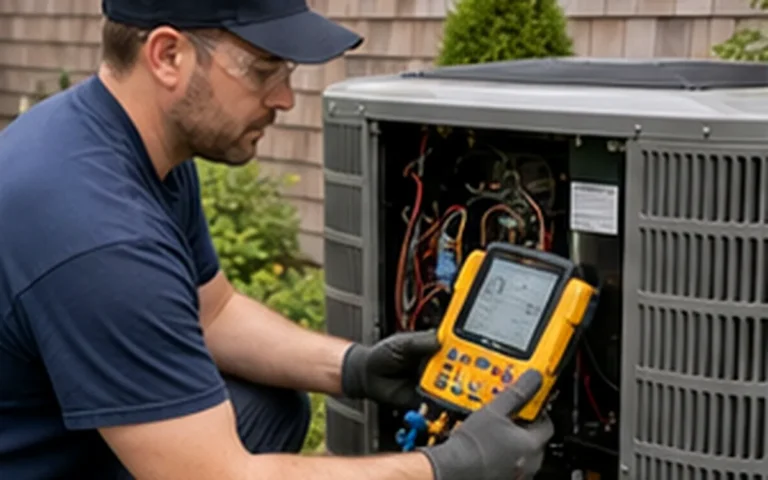
Diagnose an AC system that does not start or respond to the thermostat.
View service detailsThe Trane Impack packaged-unit LED diagnostic table identifies 4 flashes per second as Fault A with C or Fault A with B.
The Trane source used for this page associates Defrost 4 Flash/Sec with "Combined defrost faults". Match the visible display text, LED pattern, or alert wording to the exact code whenever possible.
This code is grouped under demand defrost control in the source-backed Trane troubleshooting data.
Source-backed Trane PKGR-SVX002C-EN diagnostic tables for 5WCZ Impack packaged heat-pump units. Rows are applied to local Impack packaged records at the family level.
Yes. The Trane source row for this item is based on a displayed LED or flash pattern. Count the pattern exactly and compare it with the documented Defrost 4 Flash/Sec entry before interpreting the fault.
Yes. The Trane source row groups this item under defrost operation. The exact code matters because Trane separates different defrost fault patterns and causes.
The Trane source row points to demand defrost control. Record the exact code and visible alert text before any reset so the control history is not lost.
Capture the exact code, any displayed alert text, the model and serial number, thermostat or control status, operating mode, symptoms, and photos of the display or LED pattern before the alert history is cleared.











Schedule service
Our team will contact you to confirm the next step.