
Gas furnace

Back to Trane products

Trane Gas furnace A801X040AM3SD

Trane Trane AHRI Furnace - RunTru by Trane A801X 80% Gas Furnace Gas furnace Repair, maintenance, and replacement planning
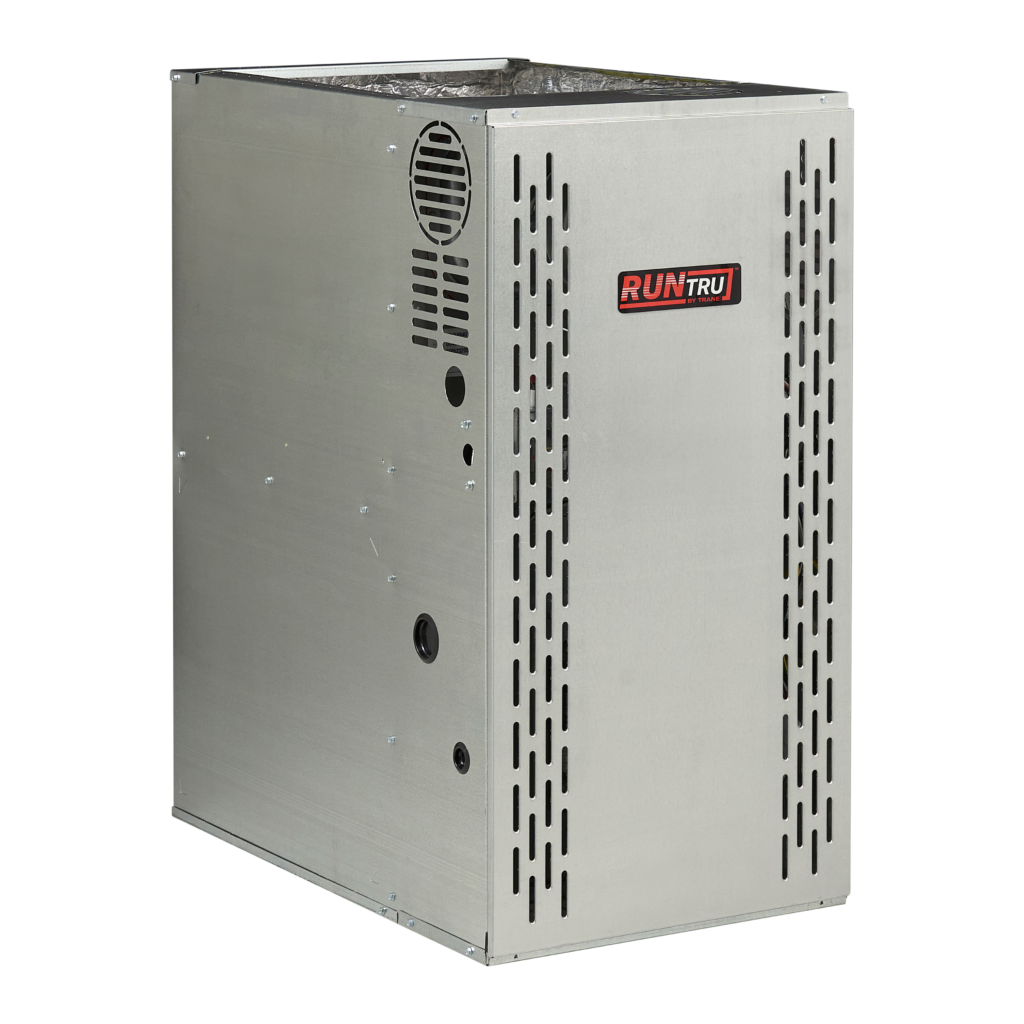
Trane A801X040AM3SD product image

Technical Specifications

Product Specs

  • AHRI unit role: Furnace
  • AHRI model/pattern: A801X040AM3SD
  • AHRI records represented: 1
  • AHRI equipment type: HP - Split System
  • AHRI refrigerant: R-454B
  • Verified catalog model: A801X040AM3SD
  • Verified product family: RunTru by Trane A801X 80% Gas Furnace
  • Verified catalog brand: Trane
  • Verified model family: A801X
  • AHRI furnace model/pattern: A801X040AM3SD
  • Base furnace model: A801X040AM3SD
  • Nominal input: 40,000 BTU/h
  • AFUE: 80%
  • Heating stages: single-stage
  • Blower: constant-torque ECM
  • Combustion: non-condensing gas furnace
  • Configuration: multi-position
  • Blower tonnage: 3 ton
  • Cabinet width: 14.5 in.
  • Dimensions: 34 in. H x 14.5 in. W x 28.8 in. D
  • Application: matched gas furnace for split-system air conditioner or heat pump combinations
  • Public RunTru by Trane product page: https://runtruhvac.com/furnaces/

Useful troubleshooting details

  • Confirm the installed model and serial number, matched indoor or outdoor equipment, voltage, refrigerant, controls, and AHRI certificate before service or replacement planning.
  • Use the linked AHRI certificates to verify matched-system combinations, rebate conversations, and equipment eligibility before quoting replacement work.
  • Collect photos of the nameplate, equipment access, recent fault history, and comfort symptoms before dispatch or proposal planning.

Service planning

How GreenFlow handles A801X040AM3SD requests

1

Identify the equipment

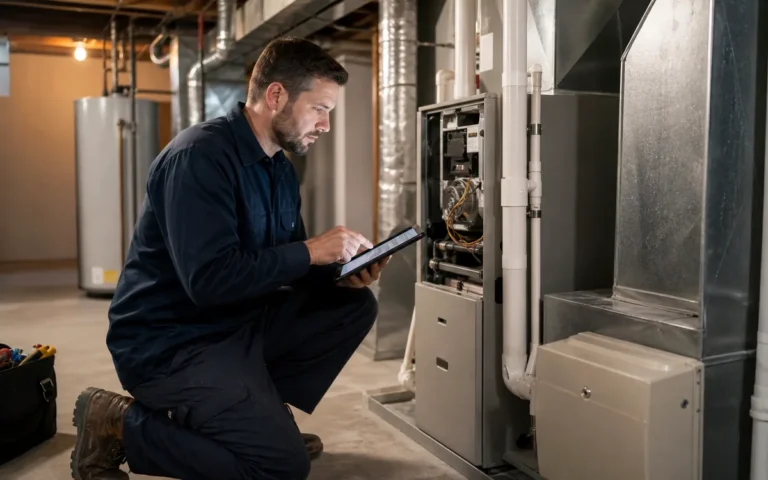
Confirm the model or series name, serial number if available, photos, and whether the unit is roof, exterior, basement, or mechanical-room equipment.

2

Describe the service issue

Share no heat, no cooling, weak airflow, error codes, alarms, leaks, noise, control problems, or comfort complaints.

3

Review access and history

Include access notes, tenant or business-hour constraints, filter status, recent repairs, and maintenance records when available.

4

Plan the next step

GreenFlow can route the request for diagnostics, repair planning, maintenance, replacement scope, or related system upgrades.

Brands We Service

Popular cities

Service Areas

Our Happy Customers