
Heat pump

Back to Trane products

Trane Heat pump XV20i Variable Speed Heat Pump

Trane Heat pumps Heat pump Repair, maintenance, and replacement planning
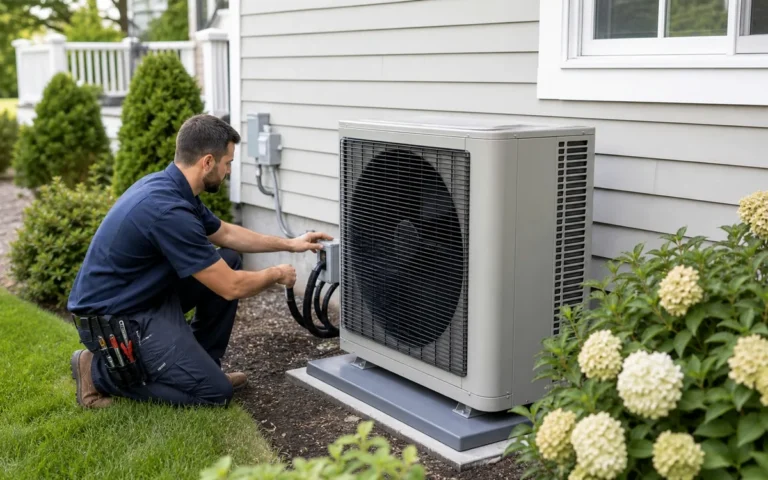
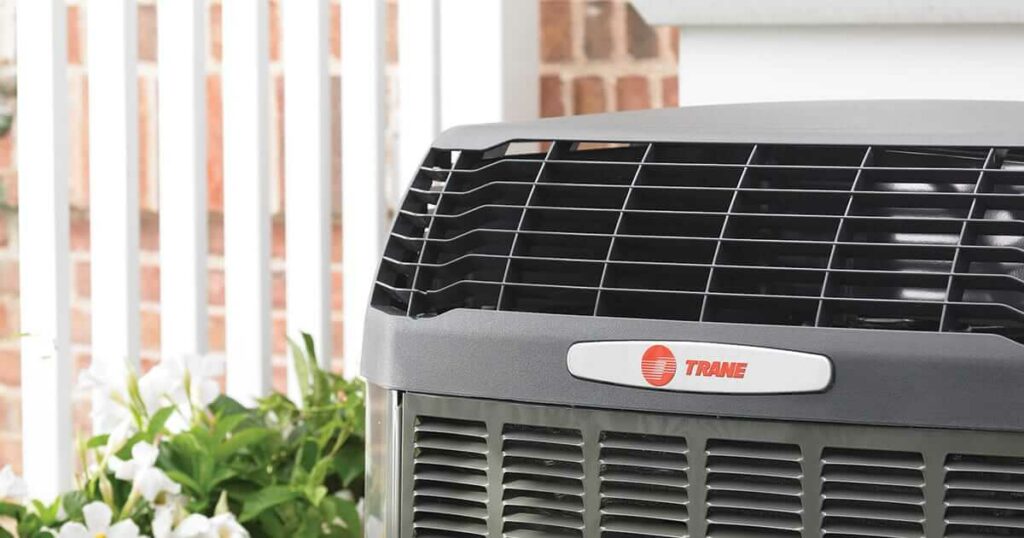
Trane XV20i Variable Speed Heat Pump product image

Technical Specifications

Product Specs

  • Product family: variable-speed TruComfort heat pump
  • Published performance reference: current Trane 20 TruComfort heat pump family lists up to 22.4 SEER2 and up to 10.5 HSPF2
  • Discontinued XV20i model family listed by Trane: 4TWV0X24A1000A, 4TWV0X36A1000A, 4TWV0X48A1000A, and 4TWV0X60A1000A
  • Nominal sizes represented by model family: 2, 3, 4, and 5 tons
  • System type: central split-system heat pump for heating and cooling
  • Service checks should confirm refrigerant, matched indoor equipment, communicating control setup, auxiliary heat, and exact nameplate capacity
  • Brand: Trane
  • Model or series: XV20i Variable Speed Heat Pump
  • Equipment type: Heat pump
  • Product group: Heat pumps
  • System role: Heat pump equipment for heating and cooling
  • Application: Residential, light-commercial, or managed-property comfort applications
  • Compatibility check: Match with compatible indoor unit, coil or air handler, controls, refrigerant, voltage, and capacity.
  • Verified source: trane.com

Useful troubleshooting details

  • Confirm the exact 4TWV0 model number and serial number from the outdoor unit before ordering parts or planning replacement.
  • Share no-heat, no-cooling, defrost, outdoor icing, auxiliary heat, thermostat/control alert, and variable-speed comfort details.
  • For matched-system work, identify the indoor air handler or coil, thermostat/control setup, refrigerant circuit history, and recent maintenance notes.

Service planning

How GreenFlow handles XV20i Variable Speed Heat Pump requests

1

Identify the equipment

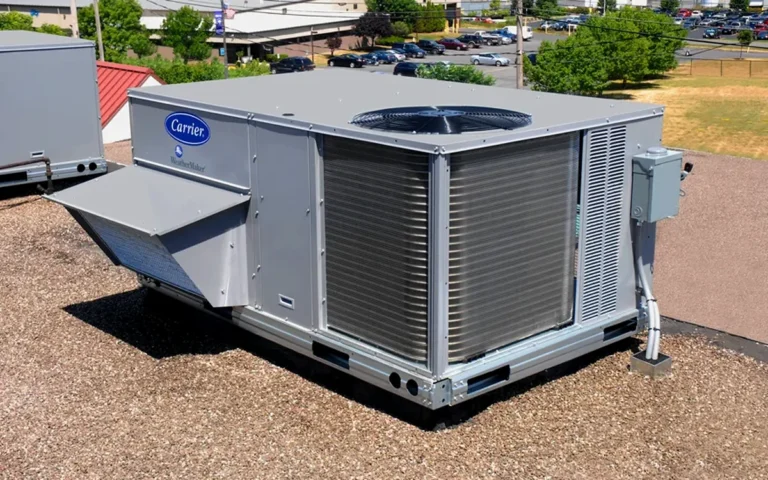
Confirm the model or series name, serial number if available, photos, and whether the unit is roof, exterior, basement, or mechanical-room equipment.

2

Describe the service issue

Share no heat, no cooling, weak airflow, error codes, alarms, leaks, noise, control problems, or comfort complaints.

3

Review access and history

Include access notes, tenant or business-hour constraints, filter status, recent repairs, and maintenance records when available.

4

Plan the next step

GreenFlow can route the request for diagnostics, repair planning, maintenance, replacement scope, or related system upgrades.

Our Services

Showing services from our catalog

Brands We Service

Popular cities

Service Areas

Our Happy Customers